


1. Introduction
Welcome to the Shango app! This application is designed to help you locate compatible charging stations, manage your charging sessions, and track your expenses, all from your smartphone or computer.
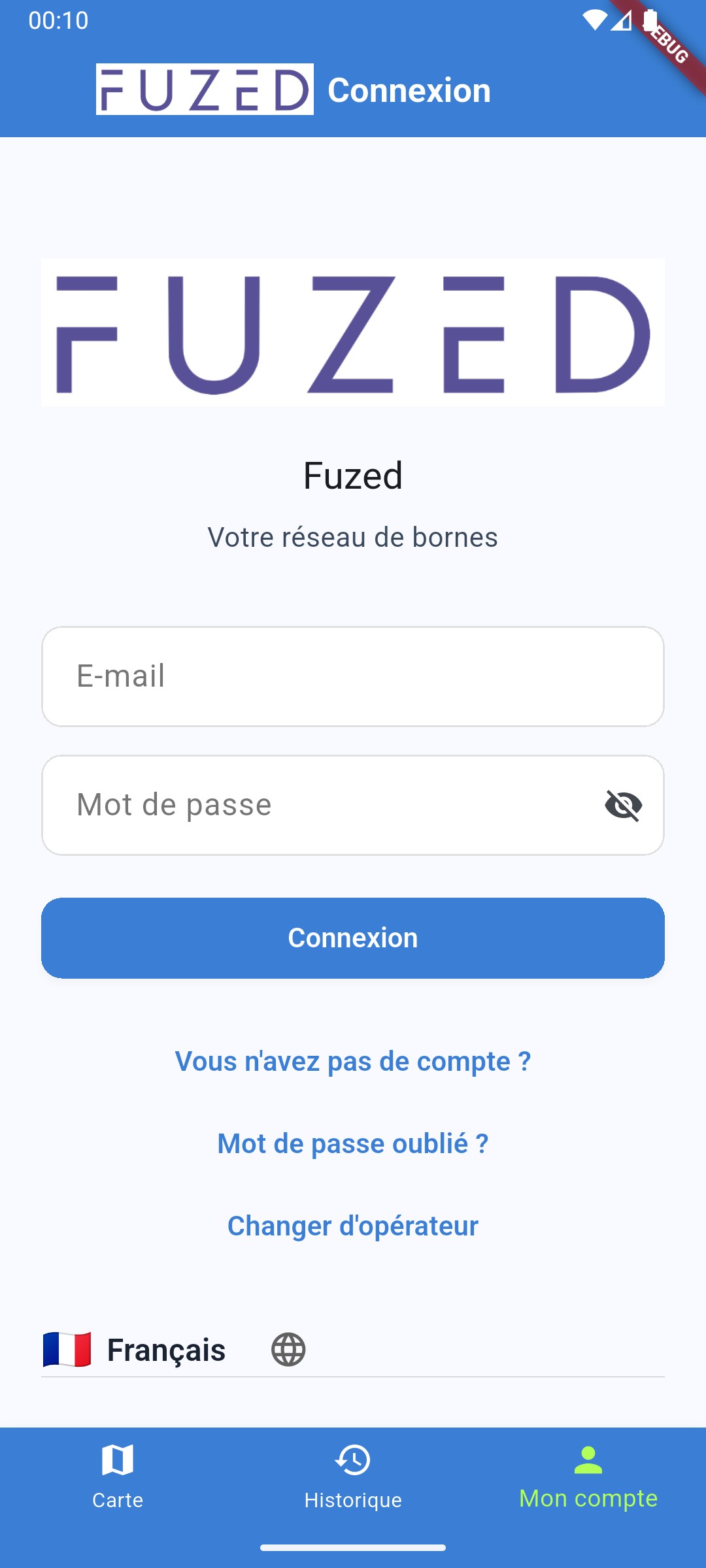
You can use the app with or without a user account. Creating an account is free and gives you access to advanced features like charging history, vehicle management, and RFID badges. Without an account, you can still locate stations and start a charge via direct payment (Stripe).
2. Quick Start
2.1. Use with or without an account
Download the app from the Google Play Store or the Apple App Store. On first launch, you can directly access the map of charging stations.
Creating an account is optional but recommended for an enhanced experience. An account allows you to:
- Track your consumption and expenses.
- Manage your payment methods and charging badges for a faster start.
- Save your favorite stations.
- View detailed history of your charging sessions.
3. Main Features
3.1. For all users (logged in or not)
Find a Charging Station
The main screen displays a map with nearby charging stations. You can:
- Navigate the map to explore different areas.
- Use the search bar to find a specific location.
- Apply filters to show only stations compatible with your vehicle (by connector type: T2, CCS, CHAdeMO...) or those that are currently available.
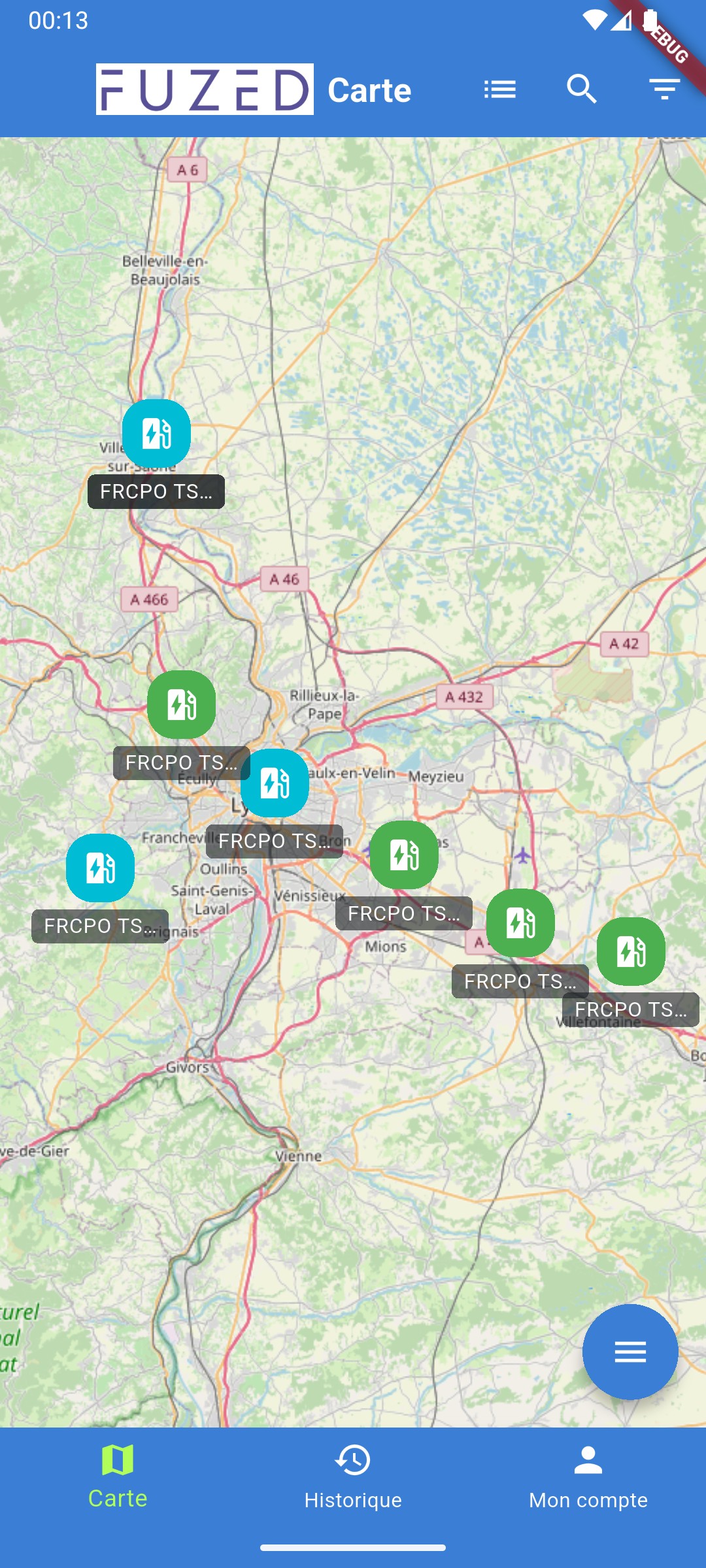
Click on a station to see its details, such as plug types, rates, and real-time availability.
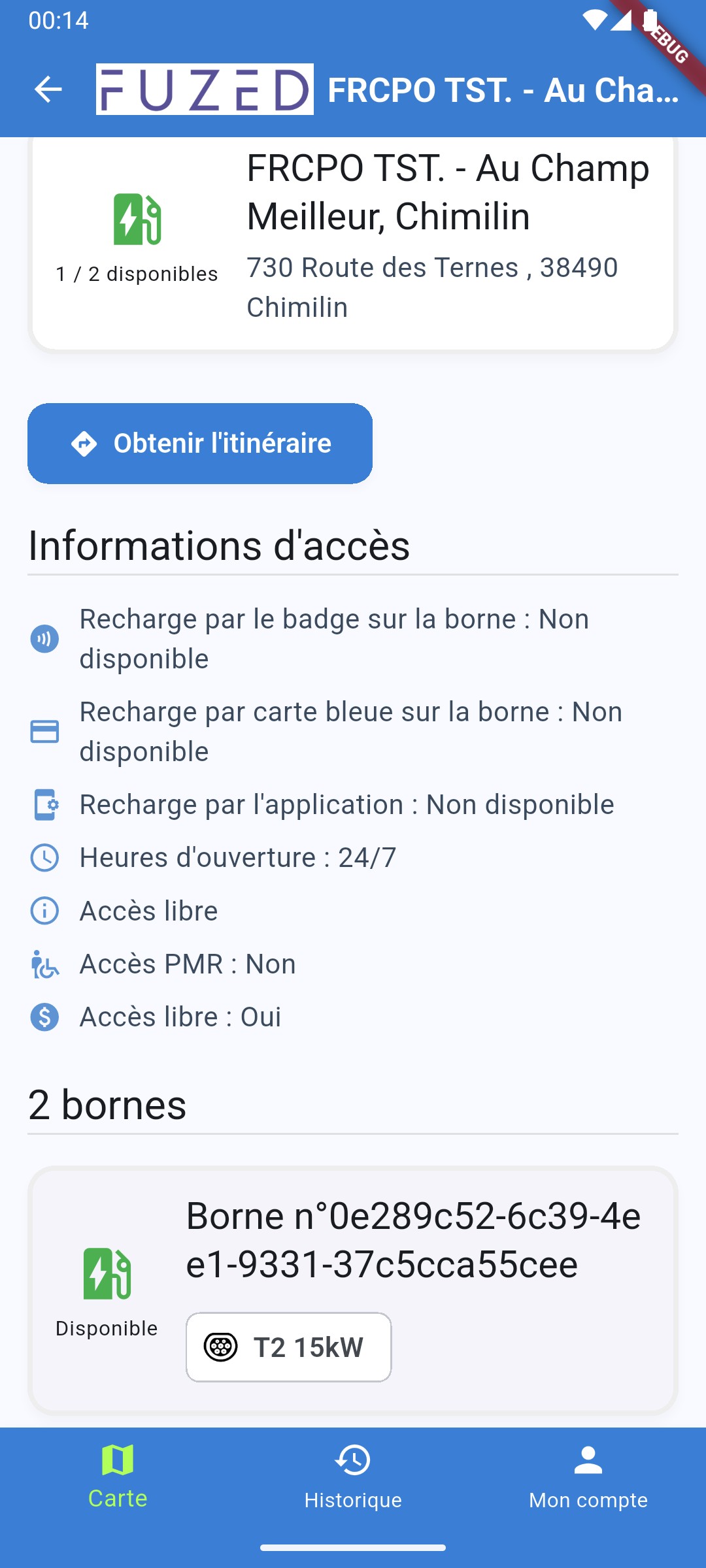
Start a charge with direct payment
Even without an account, you can start a charge.
- Select the connector on the station details page.
- Plug the cable into your vehicle.
- In the app, choose Stripe payment and follow the instructions to pay with your credit card.
3.2. For registered users
Start and Track a Charging Session
As a logged-in user, starting a charge is simplified. If you have a registered payment method or RFID badge, the process is even faster.
- Select the connector you want to use on the station details screen.
- Plug the cable into your vehicle.
- In the app, slide the button to start charging. Payment will be automatically handled through your account.
You can track the progress of your charge in real-time (energy delivered, duration, estimated cost) directly from the app.
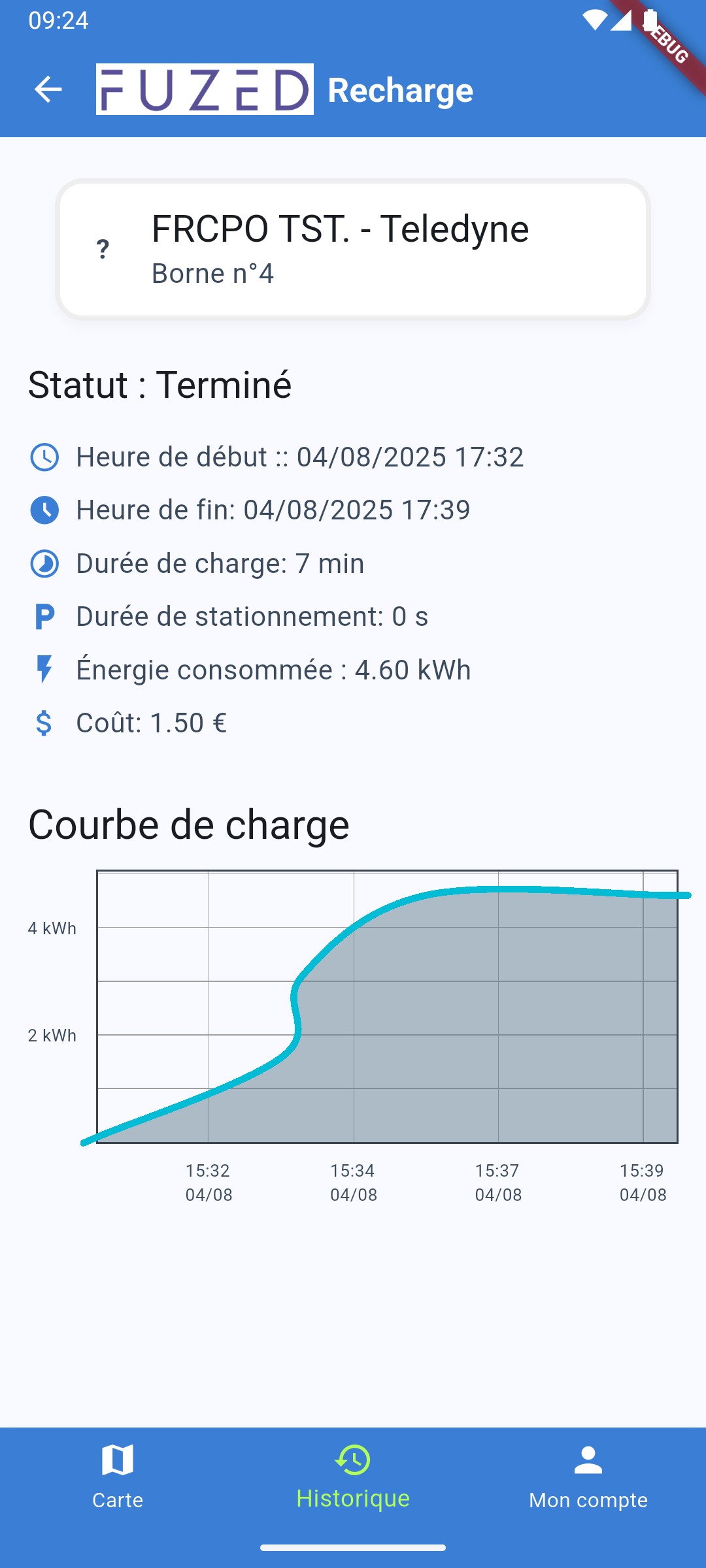
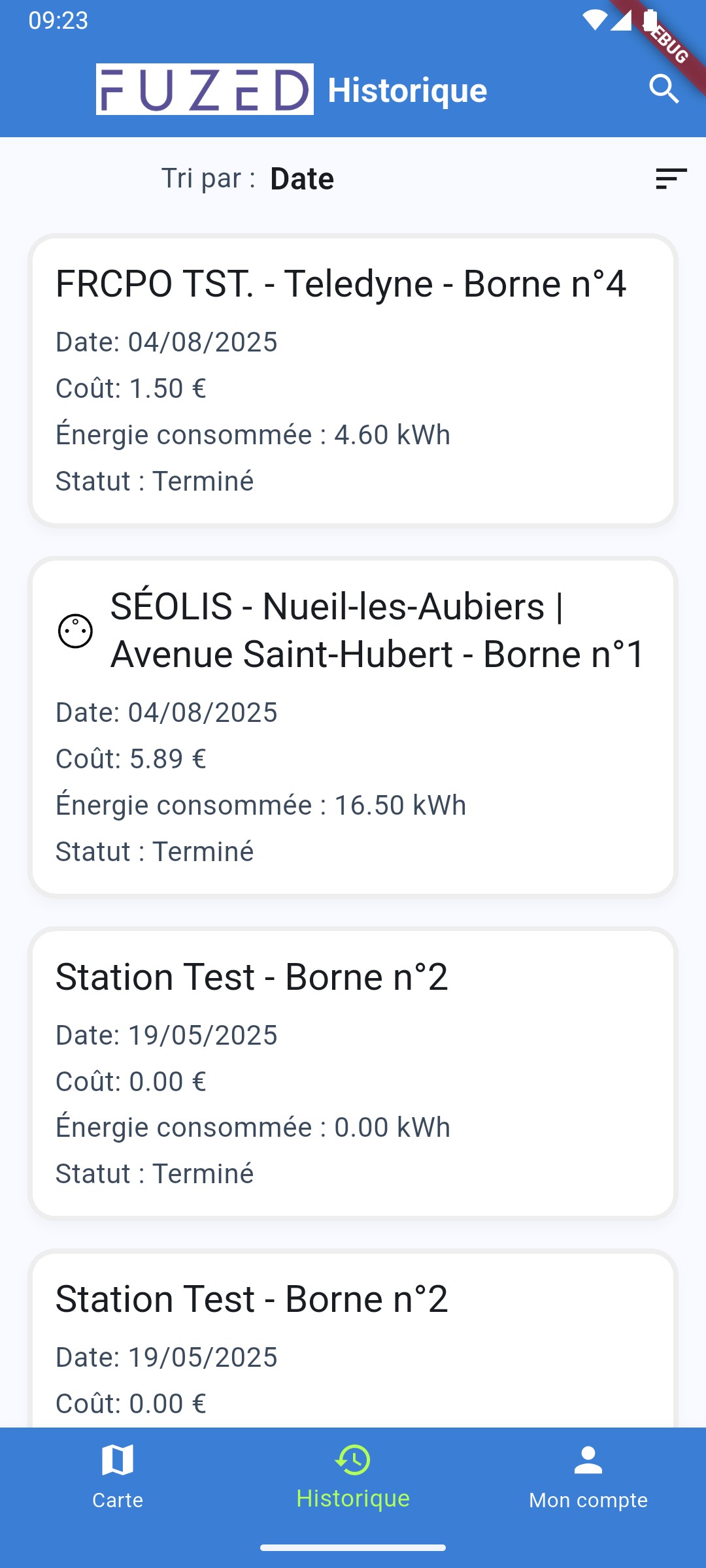
Charging History
Access the "History" section to see a list of all your past charging sessions. Each entry details the location, date, energy consumed, and total cost.
Account Management
The side menu or "Account" section gives you access to several management options:
- My Profile: Update your personal information.
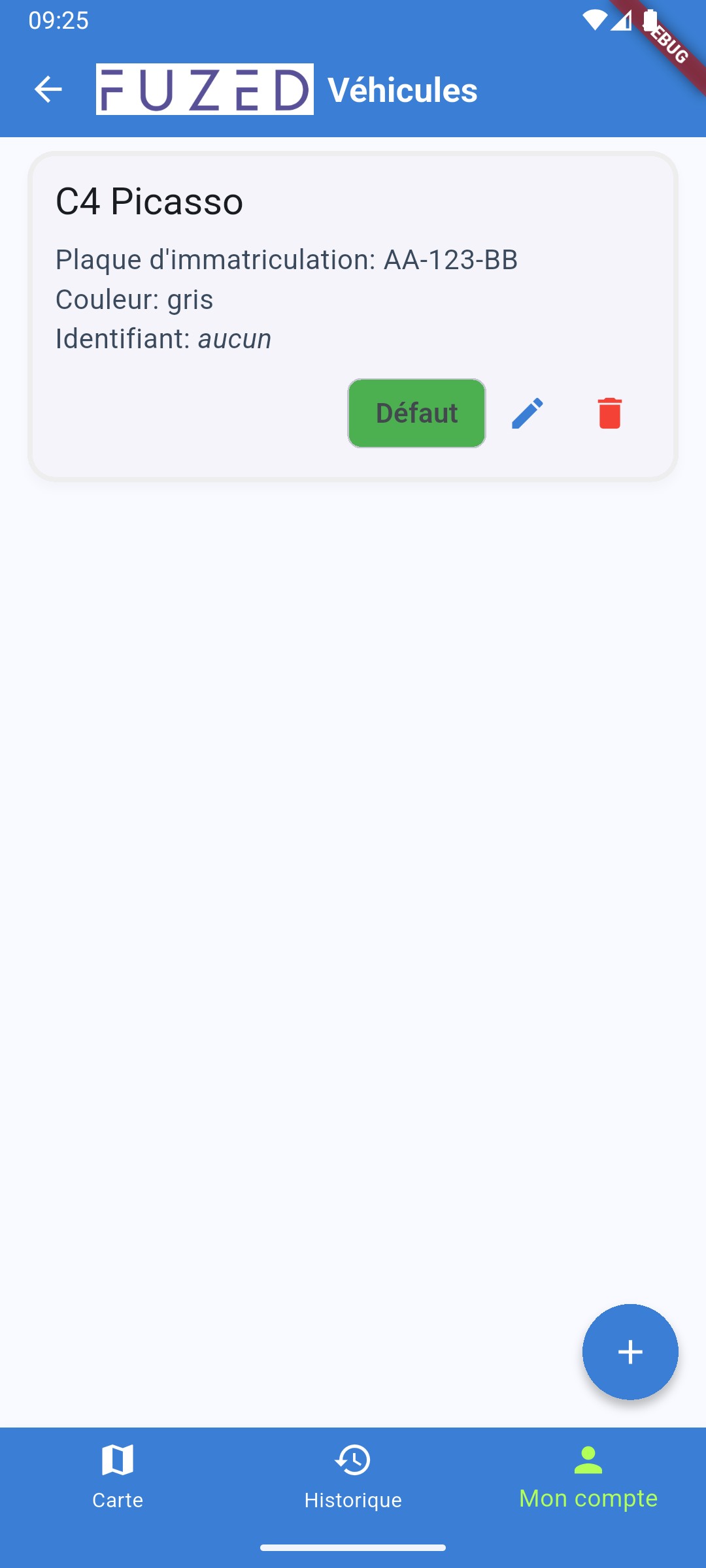
- My Vehicles: Add or edit your electric vehicle information to improve filters.
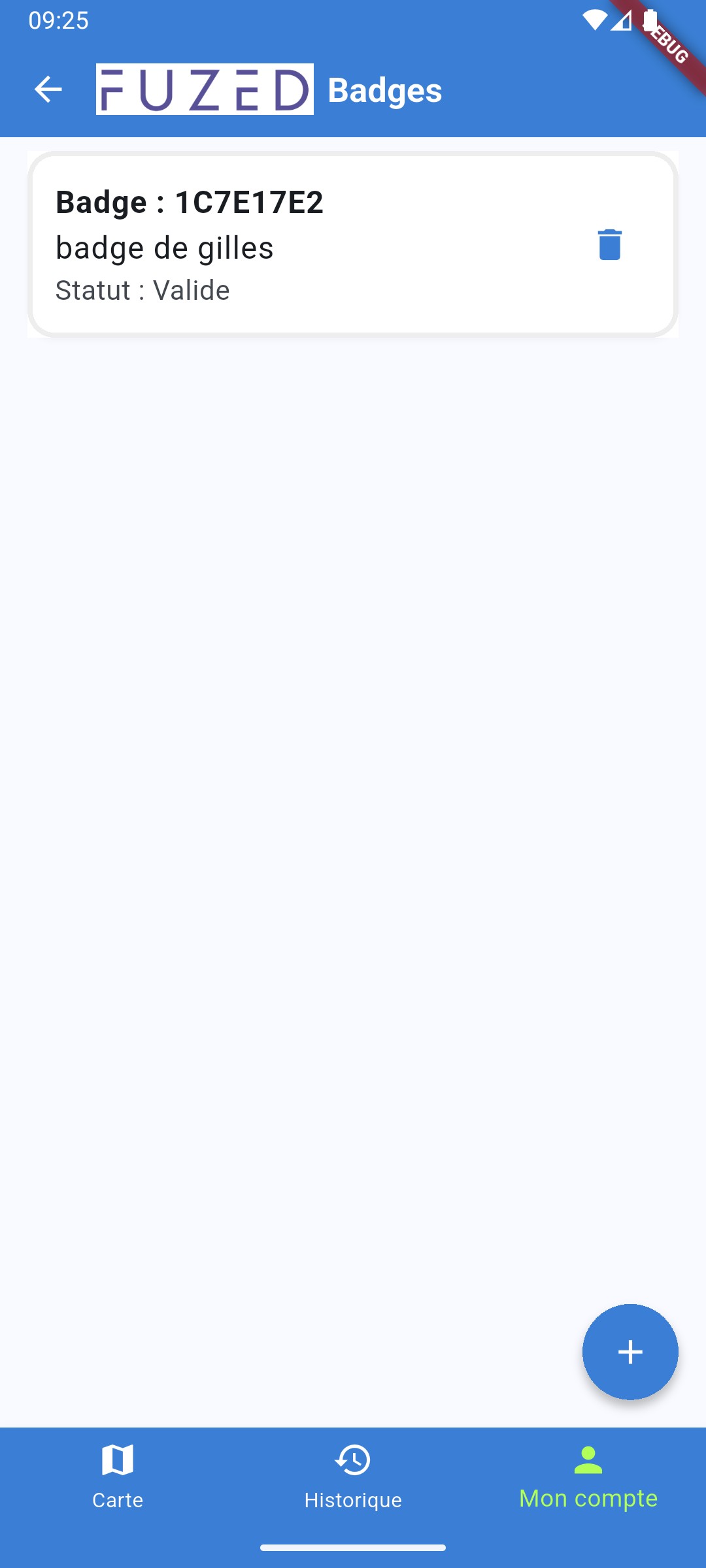
- Charging Badges: Link and manage your RFID badges to start a charge without using your phone.
Favorite Stations
You can mark a station as "favorite" from its details screen. Then easily find them in the "Favorites" section of the app.
4. Settings
In the settings section, you can:
- Change language: The app is available in several languages.
Contact Support
Have a question or need help? Fill out the form below to send an email to our support team.